Sage 50 is a comprehensive accounting solution that empowers businesses with a robust array of tools to manage finances effectively. Through intuitive Sage 50 2024 download, users can access invoicing, payroll, and reporting features, enhancing operational efficiency. Gain valuable insights to fuel your business’s success and make informed decisions.
To ensure a smooth installation process, following the steps specific to your Sage 50 version and requirements is crucial. Its user-friendly interface offers a seamless Sage 50 download experience, allowing you to access the software’s functionality quickly.
Sage 50 2024 is the latest release with new features for all kinds of businesses. With enhanced security, improved performance, and a user-friendly interface, Sage 50 2024 is designed to meet the evolving needs of modern businesses. If you are a small business owner or an enterprise, Sage 50 2024 provides the tool that manages your business money without any hassle.
| Component | Requirement |
| Processor | 2.0 GHz |
| RAM | 8 GB |
| Operating System | Windows 10 (21H1 or higher) or Windows 11 with the latest updates |
| Disk Space | 1 GB for installation |
| Browsers | Microsoft Edge (required for Sage Payroll & Payments); Google Chrome and Microsoft Edge (2020 or higher) for other Connected Services |
| .NET Framework | Microsoft .NET Framework 4.8 with an additional 280 MB to 850 MB |
| Display | SVGA video with minimum resolution 1280×800; Preferred 1440×900 or higher |
| Internet Access | Required for online features; 25 Mbps download, 10 Mbps upload recommended |
| File Size | Maximum 5GB for Sage Remote Data Access companies |
| Computer Name | 15 characters or less |
| Microsoft 365 | Business Basic, Standard, Premium, or Enterprise Editions |
| Printers | Supported by Windows 10 or 11 |
| PDF Viewing | Adobe Reader Acrobat |
What are the key points to remember?
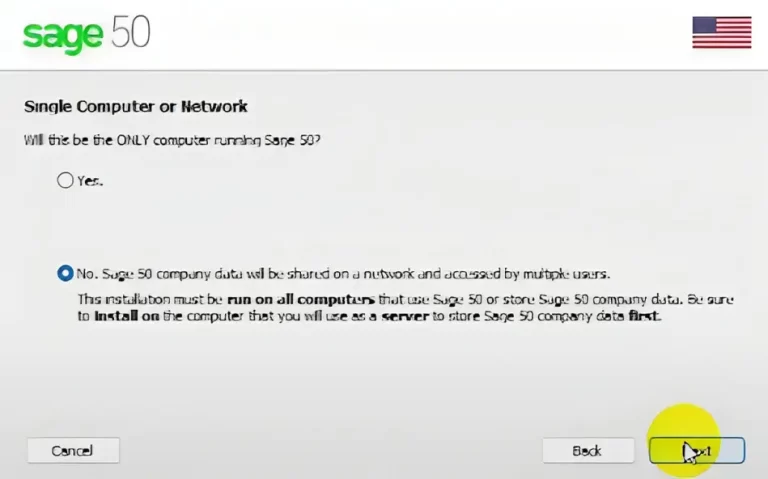
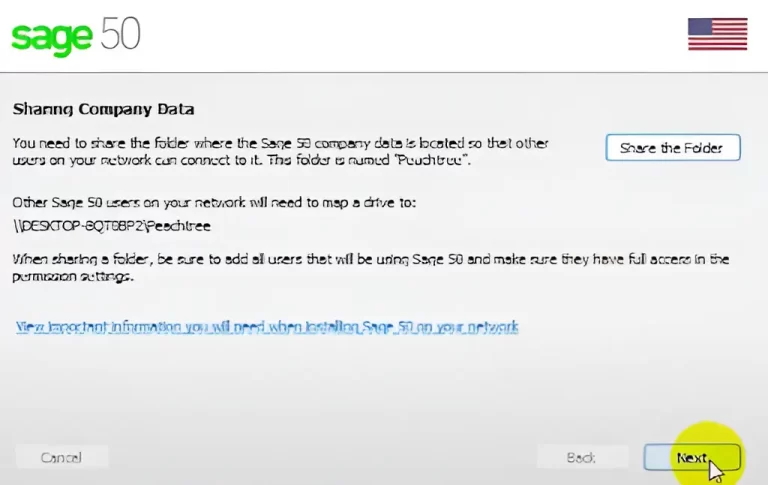
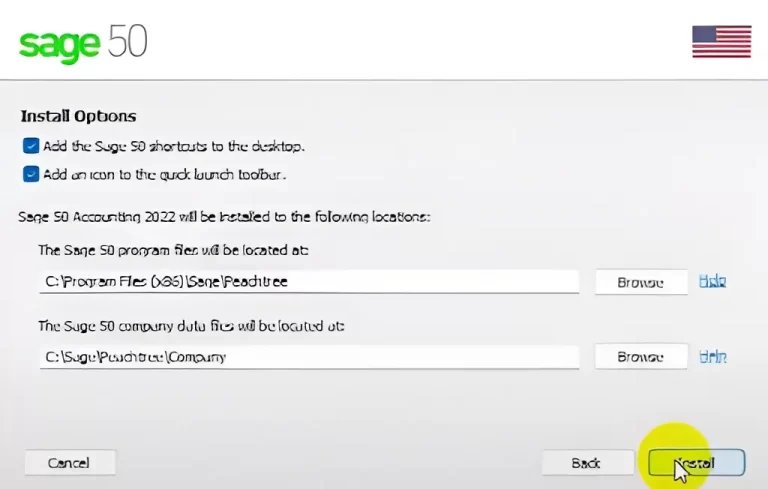
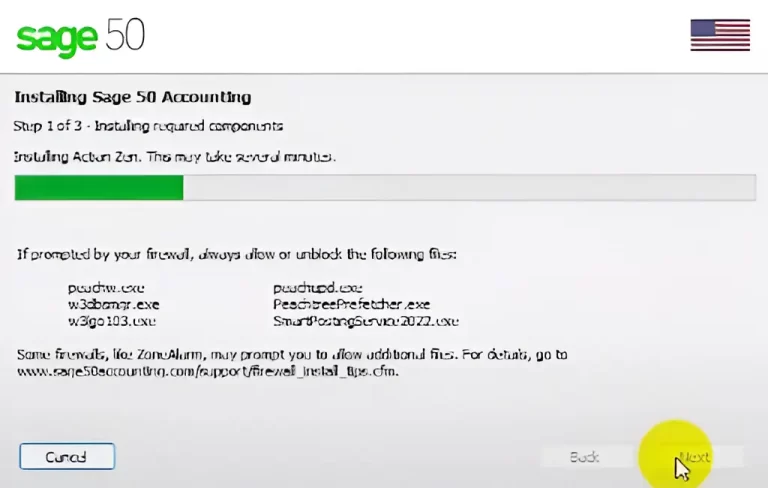
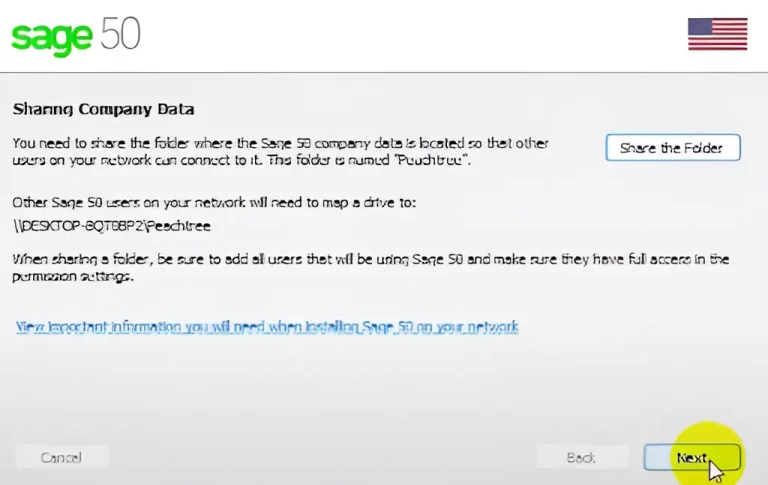
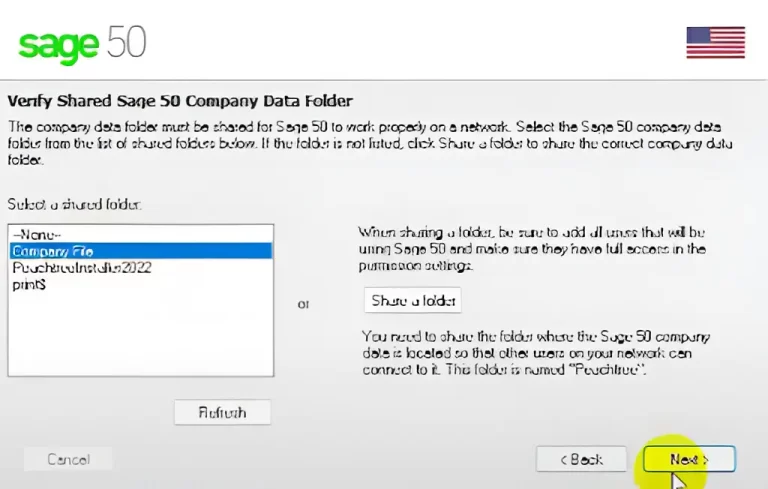
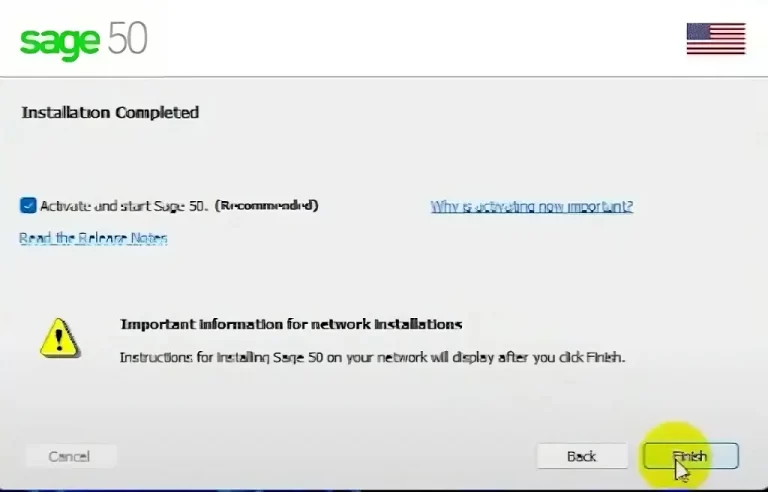
Additional Steps
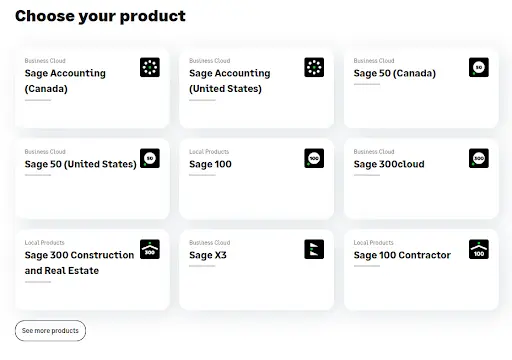
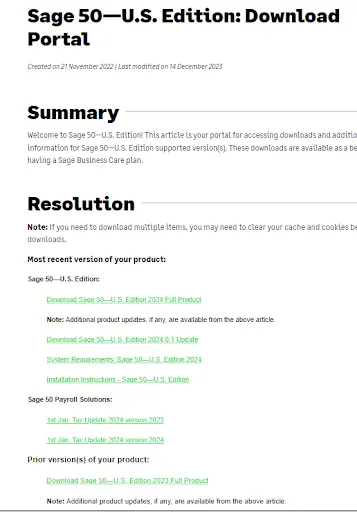
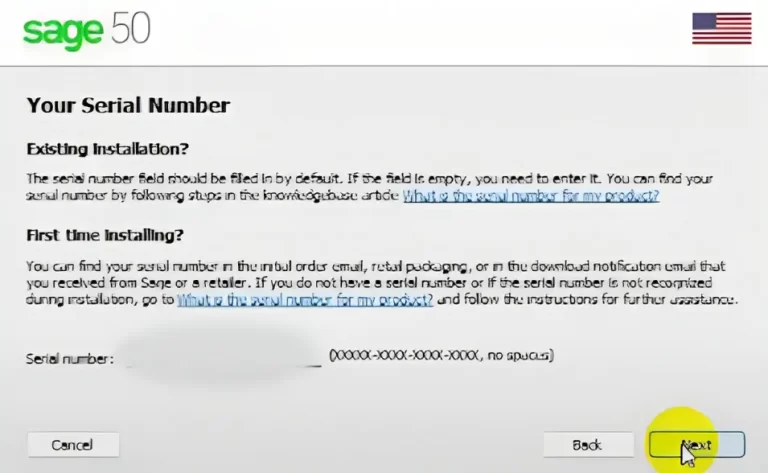
Implementing Sage 50 Accounting is a straightforward task when these steps are meticulously followed. The process initiates with ascertaining that your system meets the minimum requirements and then accessing the official download portal to save the installer file. Installation entails a sequence of prompts, comprising reviewing requirements, assenting to license terms, and providing your serial number. Post-installation, activation, updating, and setting up the company data are essential steps to ensure a seamless commencement of using Sage 50.
Sage 50 doesn’t provide a perpetual free version, but you can evaluate its full functionality during a 7-day free trial. This trial period allows you to explore Sage 50’s capabilities before committing to a subscription.
Keep in mind that the trial has an expiration date, and continued use requires a paid subscription. While free accounting software alternatives exist, they may lack the advanced features and functionalities offered by Sage 50. Consider your accounting needs and budget to determine the most suitable option for your business.
Sage 50 desktop support concluded in September 2022. Existing users can still access their data, but no new licenses are available, and no updates will be provided. Sage is now primarily focused on its cloud-based versions, such as Sage 50 cloud Accounts.
While Sage 50 and Simply Accounting may seem like two distinct software programs, they share a common origin. Originally known as Simply Accounting, the software underwent a rebranding in 2012. Sage, the parent company, implemented a numbering system across its product line, transforming Simply Accounting into Sage 50. In essence, Sage 50 is a continuation of Simply Accounting, offering the same functionality under a different name.